

Thank you for trusting us and purchasing your new Energy SMARTRing. We hope you enjoy it.
Quick start guide
Consult the quick guide by clicking here.
-
When I take it out of the box, how do I put my ring into pairing mode?
Connect it to the charging cable until the light inside turns green. Once fully charged, you can proceed with automatic pairing through the ESMART Connect app. - Can I get my ring wet? Yes, the device is IP68 rated.
Technical Specifications
Features
- Heart rate monitoring
- Blood oxygen monitoring
- Sleep monitoring
- Step tracking
- Calorie burn tracking
- Distance tracking
- Workouts
Wireless Connectivity
- Bluetooth version 5.4, class 2
- Operating frequency: 2.4 GHz
- Maximum signal strength: <20.00 dBm
- Supports Bluetooth HSP/AVRCP profiles
- Up to 20 meters range
Cable
- Length: 25 cm
- Connector: Magnetic Multipin - USB-A
Battery
- Capacity: 17 mAh / 3.7 V
- Type: Lithium polymer
- Battery life: 7-10 days*
*This data is approximate. Battery life depends on device usage.
Others
- ESmart Connect APP compatibility
- IP68
How the ESmart Connect App Works
-
To pair the ring, remove it from the case and let it charge.
-
When the ring is charging, open the ESmart Connect app. A pop-up should appear guiding you through setting up the ring.
-
If it doesn't appear, tap the "+" in the top right corner and then "Add Device."
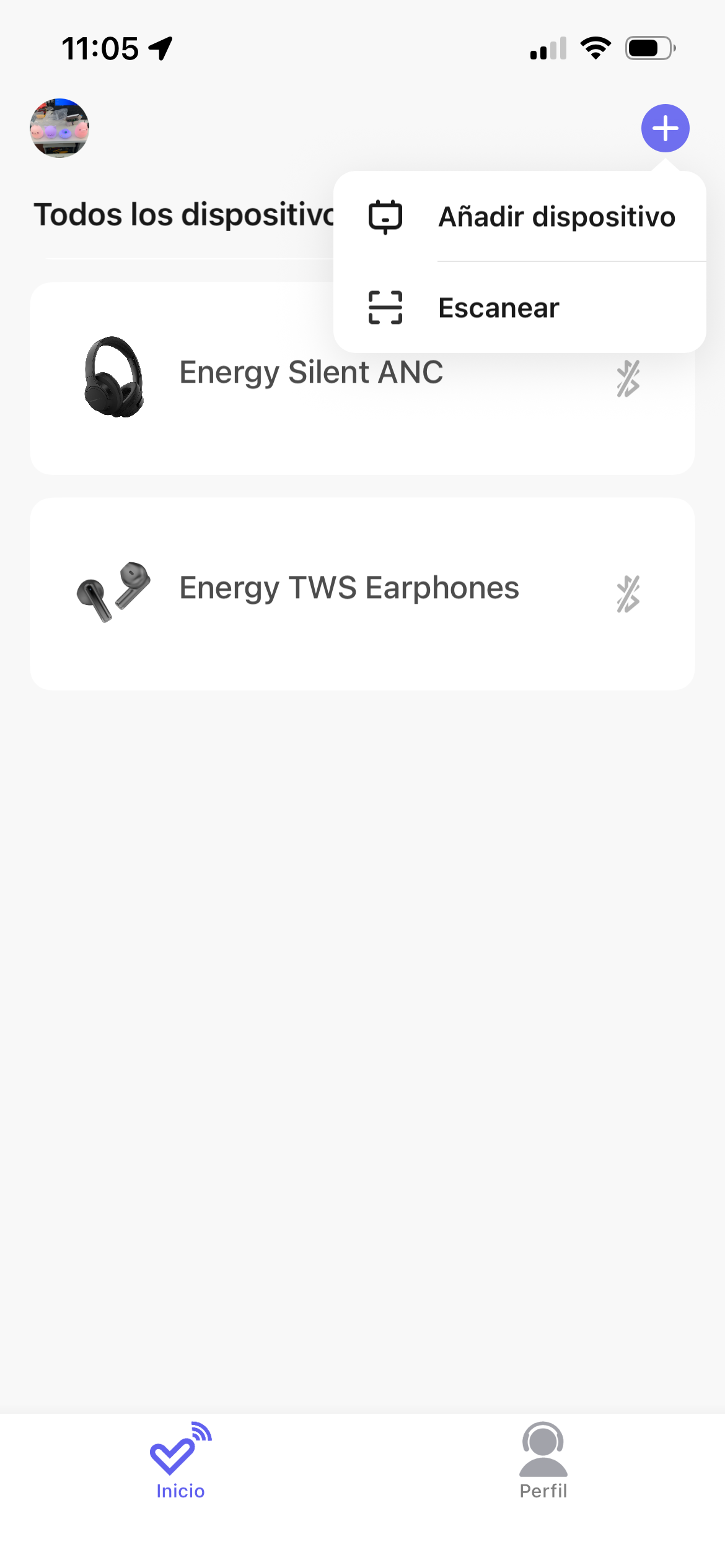
The device will perform a search and the ring to be paired will appear on the screen. -
Once paired, the ring will appear in your device list. Tap to access its main menu.
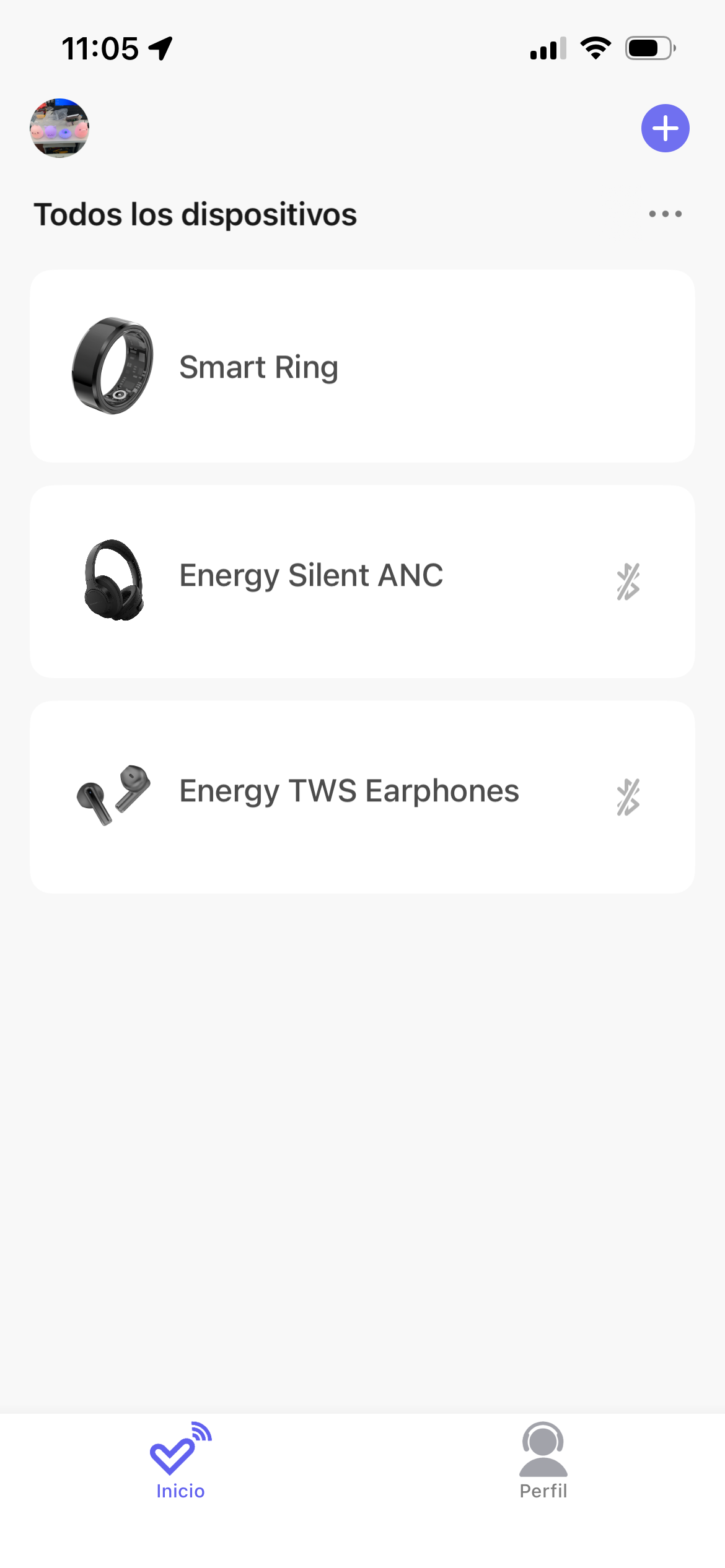
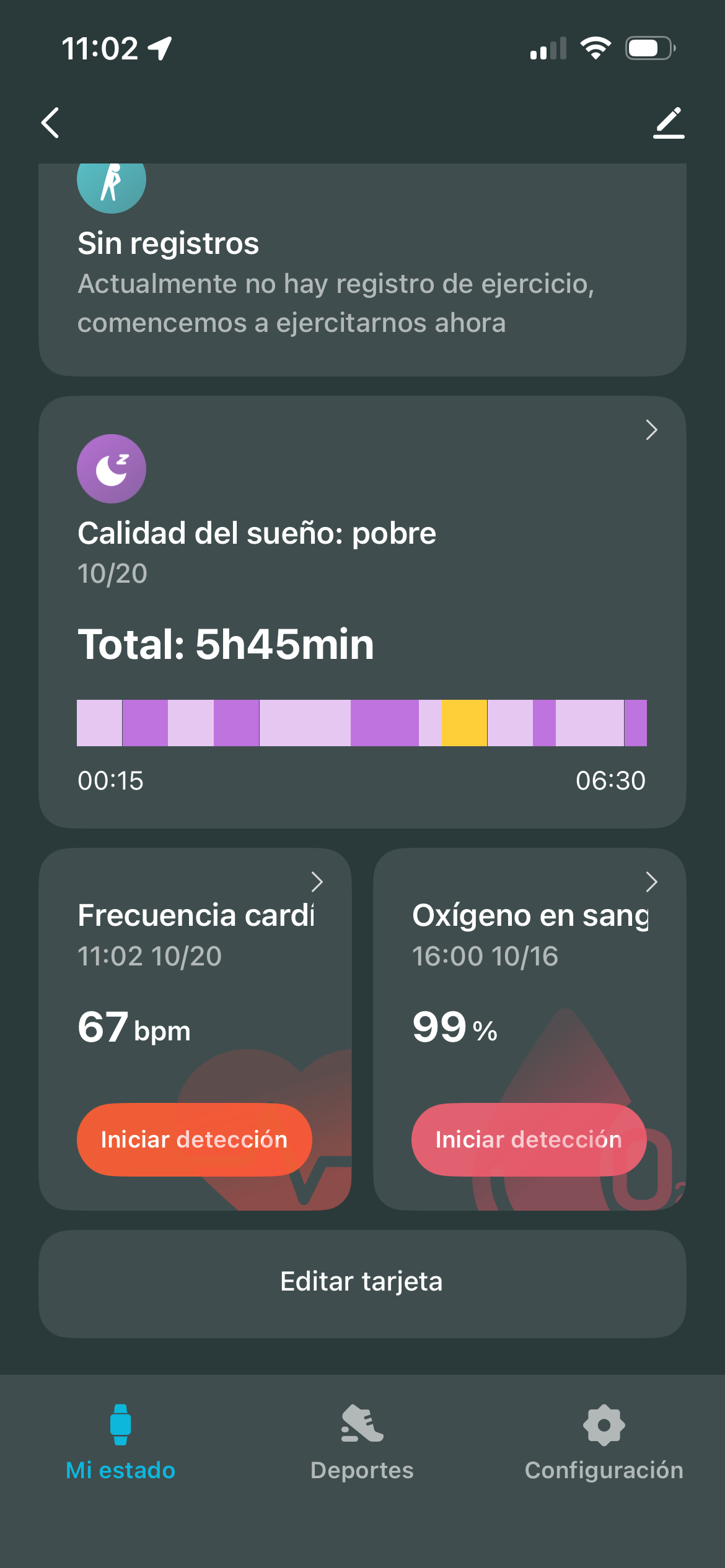
- In the Main Menu, you can see all the information the ring stores about your daily routine, as well as access the heart rate and blood oxygen detection options.
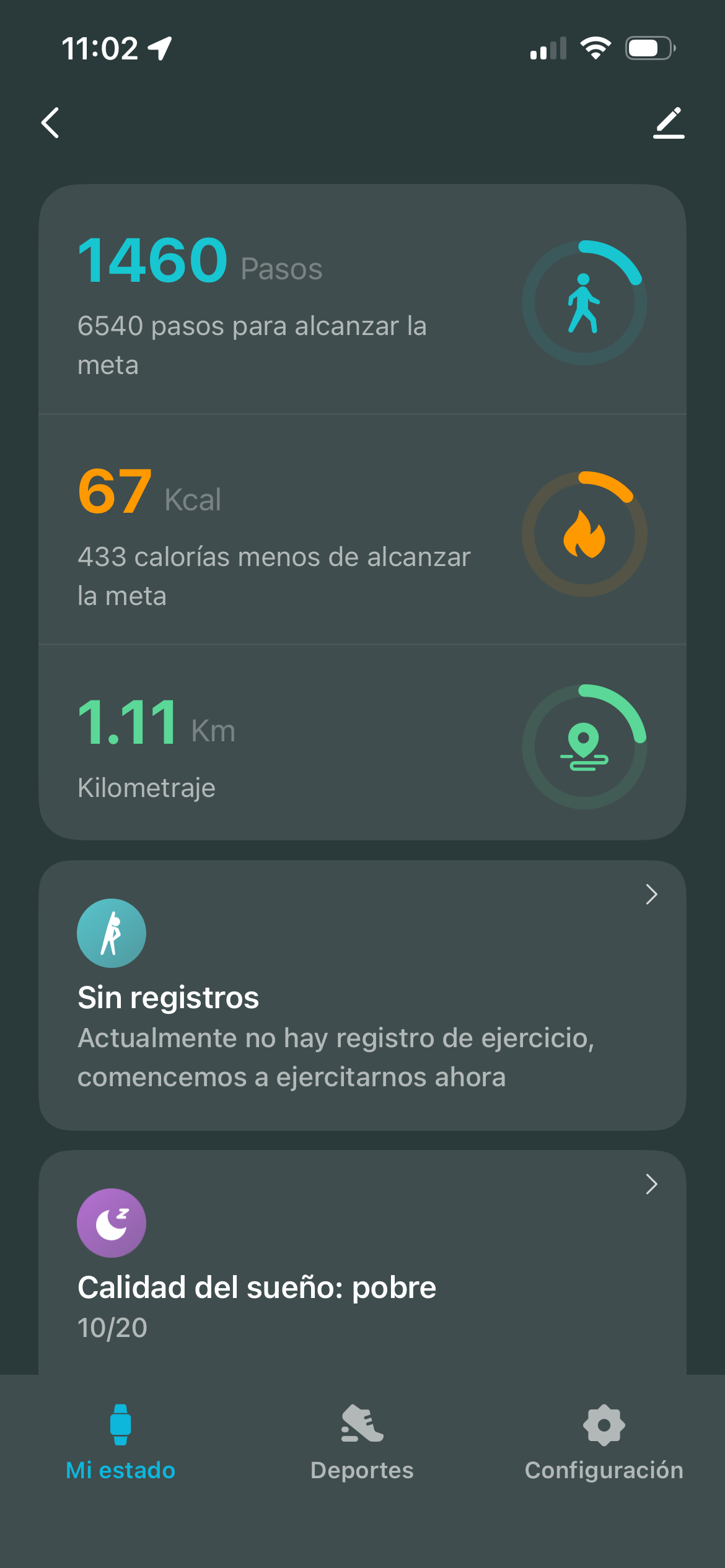
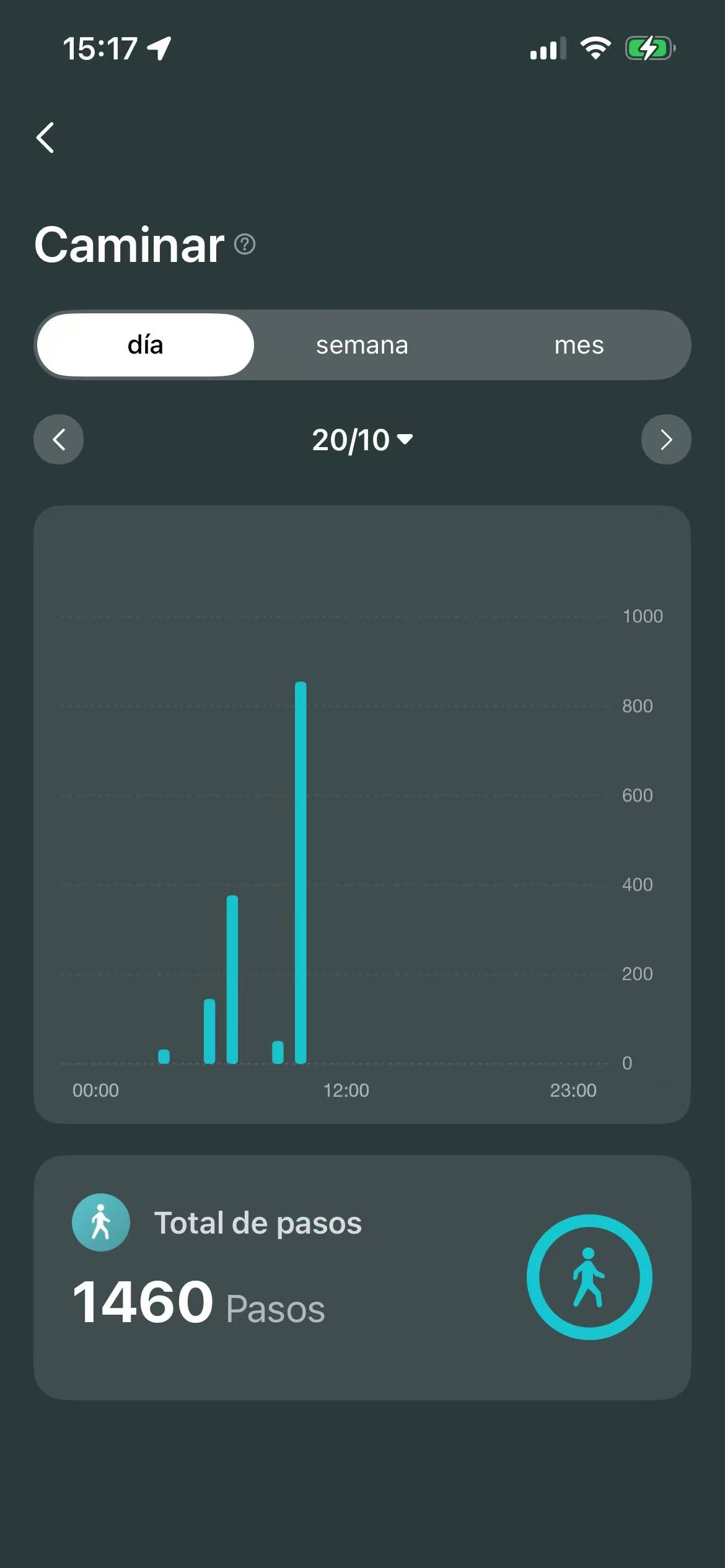
- If you access your activity data, you can see your steps, calories burned, or kilometers traveled for both the current day and previous days.
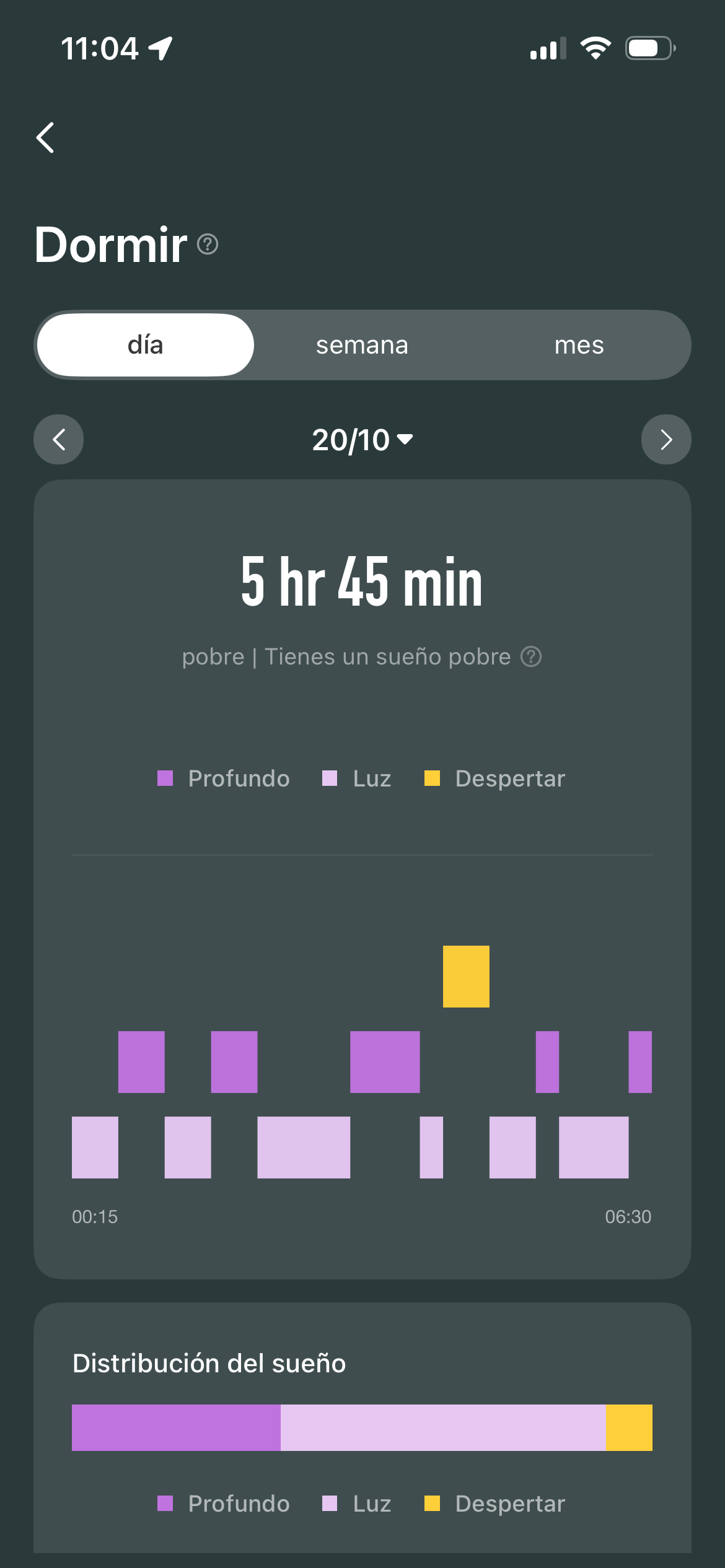
7.In the Sleep Quality section you can monitor your sleep each day.
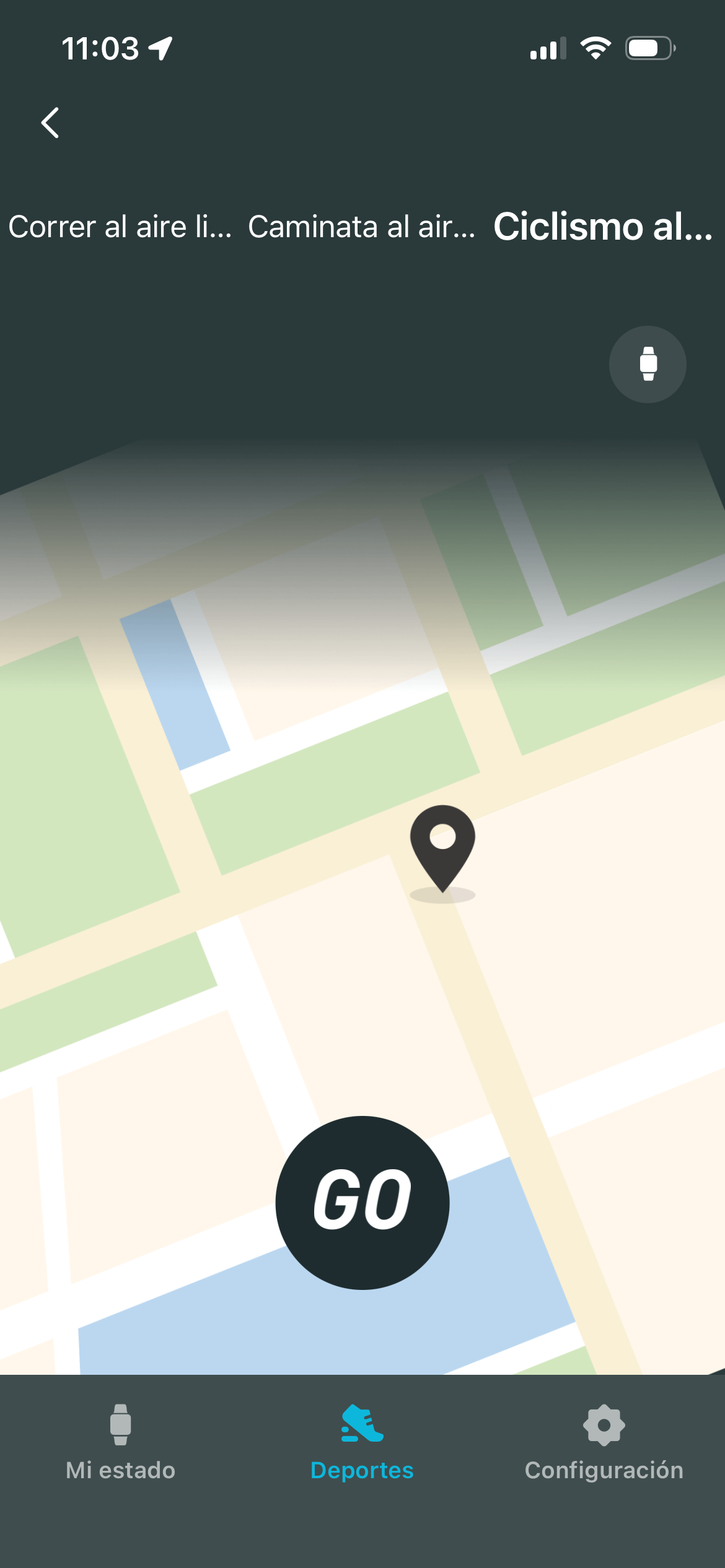
8.The ring can also control and track 3 types of training in the "Sports" section.
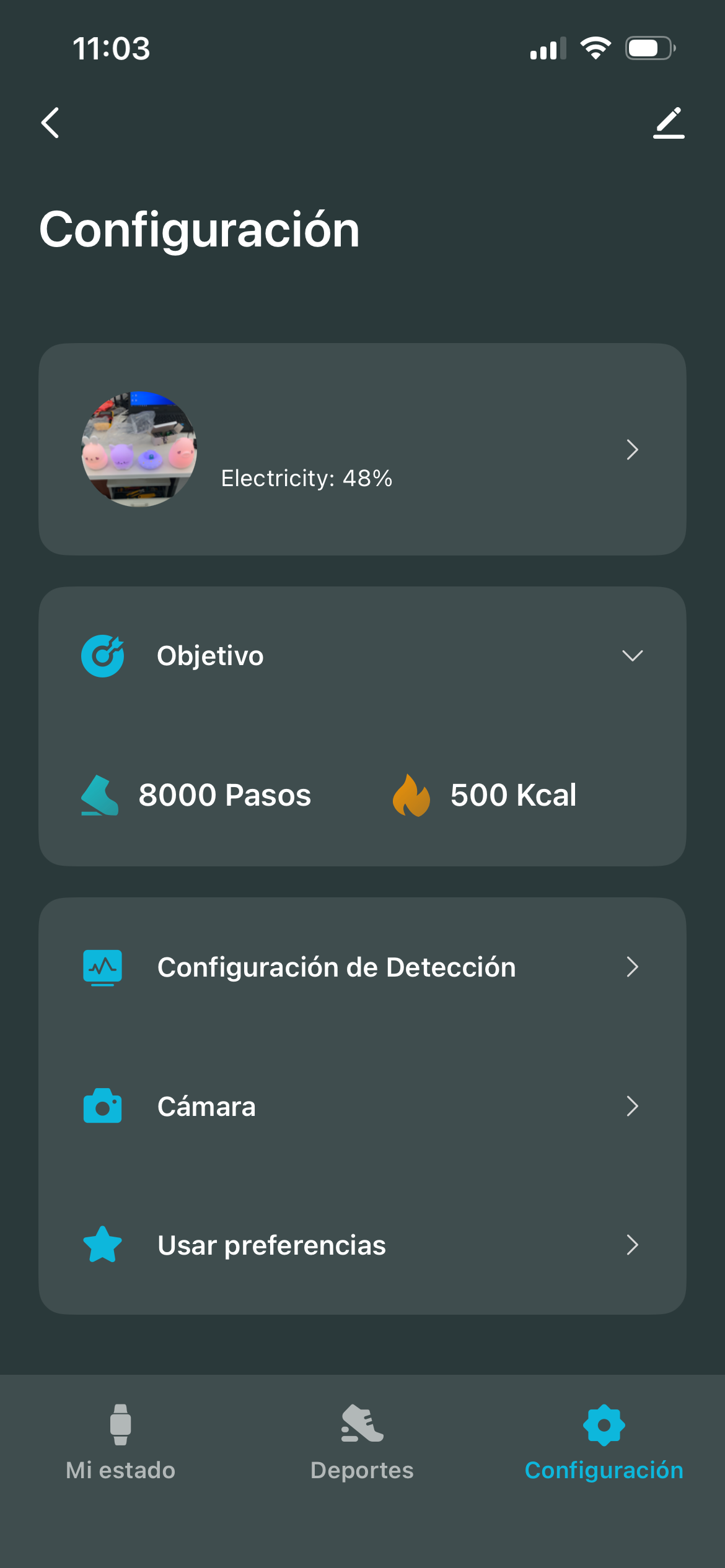
9.To edit your profile, view the ring's battery level, or change the goals you have set, you must access the "Settings" section.
Safety and maintenance
- Do not expose the device to shock, dust, moisture or high temperatures.
- Do not apply corrosive or abrasive cleaning agents to the device.
- Do not disassemble the device. Any repair must be carried out exclusively by qualified Energy Sistem Technology, S.A. personnel.
- Be sure to keep the device switched off when not in use and do not leave it for a long period of time with the battery completely discharged.
- Keep the device and its packaging out of the reach of children and pets to avoid possible accidents.
Warranty
You can check the warranty conditions here.