

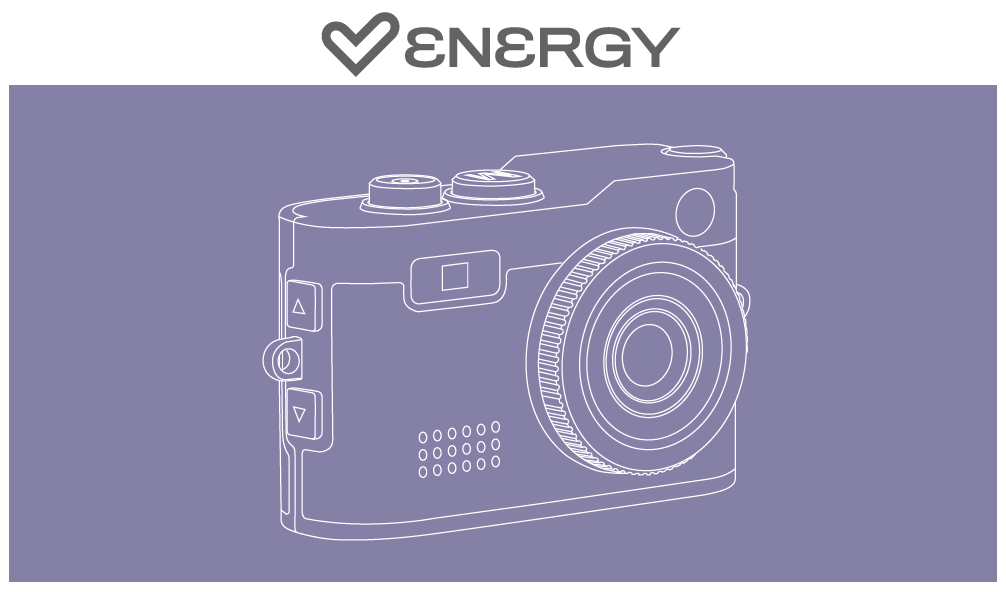
Thank you for trusting us and purchasing your new Energy Mini Camera. We hope you enjoy it.
Quick start guide
Consult the quick guide by clicking here.
-
How can I download images and videos from the camera?
The device includes a USB-A to USB-C cable so you can connect the camera to your computer. It will open like an external storage drive, where you can access the content.
We also include a dual USB-C adapter so you can connect the camera directly to your smartphone and transfer content to it. The smartphone must be previously configured to accept external memory. -
Can I make voice recordings?
Yes, press and hold the photo button for a few seconds and voice recording will begin. - In what formats are the different files created on the camera?
Photos are saved in JPG format, videos in AVI format, and voice recordings in WAV format
Technical Specifications
Display
- HD Resolution
- Size: 0.96"
Photo & Video
- Max Photo Resolution: 2MP
- Max Video Resolution: 1080p
Battery
- Type: Lithium Polymer
- Capacity: 200mAh
External Memory
- Supported File Systems: FAT / FAT32 / EXFAT
- Maximum Capacity: 128GB
- 16GB MicroSD Card Included
File Formats
- Photos: JPG
- Videos: AVI
- Voice Recordings: WAV
Safety and maintenance
- Do not expose the device to shock, dust, moisture or high temperatures.
- Do not apply corrosive or abrasive cleaning agents to the device.
- Do not disassemble the device. Any repair must be carried out exclusively by qualified Energy Sistem Technology, S.A. personnel.
- Be sure to keep the device switched off when not in use and do not leave it for a long period of time with the battery completely discharged.
- Keep the device and its packaging out of the reach of children and pets to avoid possible accidents.
- Do not use the device while driving a vehicle.
Prevention of hearing loss
Listening to music at high volume levels for long periods of time can cause permanent hearing damage. To avoid hearing damage, we recommend turning down the volume of the player before starting music playback and then gradually increasing the volume to a comfortable, moderate listening level.
Warranty
You can check the warranty conditions here.