

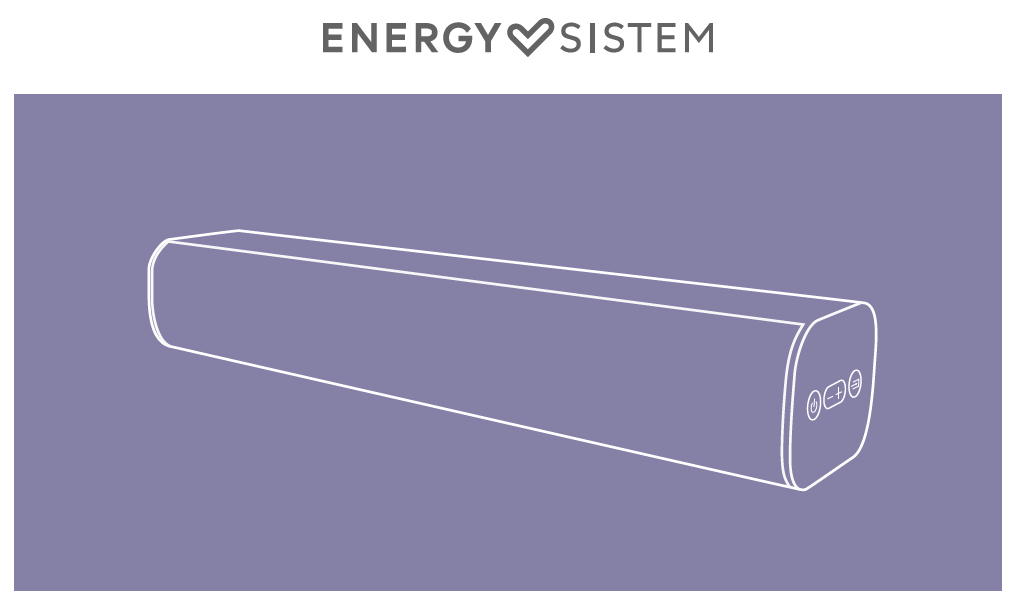
Thank you for trusting us and purchasing your new Soundbar. We hope you enjoy it.
Quick start guide
Consult the quick guide by clicking here.
Frequently Asked Questions FAQ
What is the advantage of HDMI ARC connection?
The HDMI ARC (CEC) port allows you to control the soundbar with your TV remote (On, Off and Volume). In addition, the soundbar will automatically turn on and off at the same time as the TV.
Important:The HDMI connection of the TV must be connected to the TV.
-
The HDMI connection on the TV must be ARC (Audio Return Channel). Check that the HDMI port is marked ARC. Otherwise it will not be compatible.
-
The use of an HDMI cable version 2.1 eARC is recommended to avoid possible incompatibilities.
- After turning on the TV the audio signal will take between 2 and 5 seconds to reach the Soundbar, depending on the TV model.
Why doesn't my Soundbar play after connecting it to the optical input?
Use an optical S/PDIF Toslink cable. The TV must be set to PCM (Pulse-Code Modulation) mode, this option can be found in the audio settings menu. Also check that the soundbar is in Optical mode (white light).
Can I control the volume from the soundbar?
Yes. Depending on the mode of use, use the following commands to increase or decrease the volume:
Optical / HDMI / AUX
Short press (1 click) the + and - buttons to increase or decrease the volume, respectively.
Bluetooth / USB
Press and hold the + and - buttons to increase or decrease the volume, respectively.
Short press (1 click) the + and - buttons to skip forward or backward through songs, respectively.
Technical Specs
- Frequency response: 50 Hz ~ 20 kHz
- Bluetooth 5.3
- HDMI ARC CEC
- Optical input
- 3.5mm miniJack analog input
- USB decoder compatible with external memory up to 128 GB and MP3 and WAV audio formats.
- Power: 150 W
- Speakers: 2 x 3" speakers
- Power supply: 24 V, 1.5 A
- Remote control
Safety and maintenance
- Do not expose the device to shock, dust, moisture or high temperatures.
- Do not apply corrosive or abrasive cleaning agents to the device.
- Do not disassemble the device. Any repair must be carried out exclusively by qualified Energy Sistem Technology, S.A. personnel.
- Be sure to keep the device switched off when not in use and do not leave it for a long period of time with the battery completely discharged.
- Keep the device and its packaging out of the reach of children and pets to avoid possible accidents.
- Do not use the device while driving a vehicle.
Prevention of hearing loss
Listening to music at high volume levels for long periods of time can cause permanent hearing damage. To avoid hearing damage, we recommend turning down the volume of the player before starting music playback and then gradually increasing the volume to a comfortable, moderate listening level.
Warranty
You can check the warranty conditions here.