

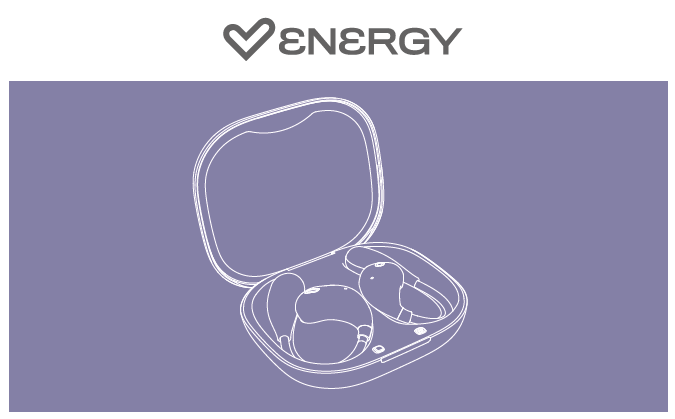
Thank you for trusting us and purchasing your new Energy OpenVoice Earphones. We hope you enjoy them.
User Guide
View the quick start guide by clicking here.
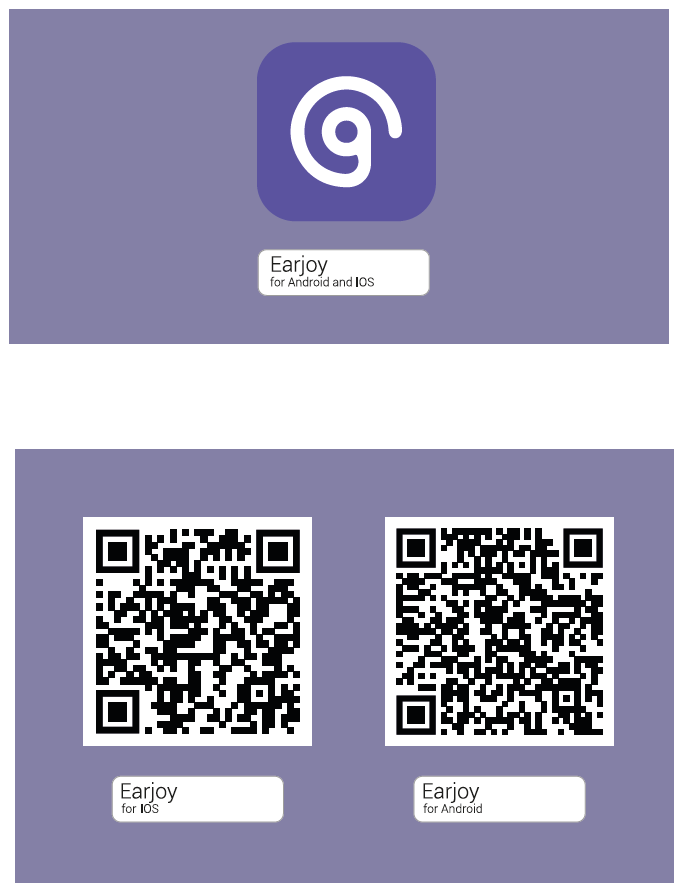
Earjoy App User Guide
-
Open the Earjoy application and create a new user profile
-
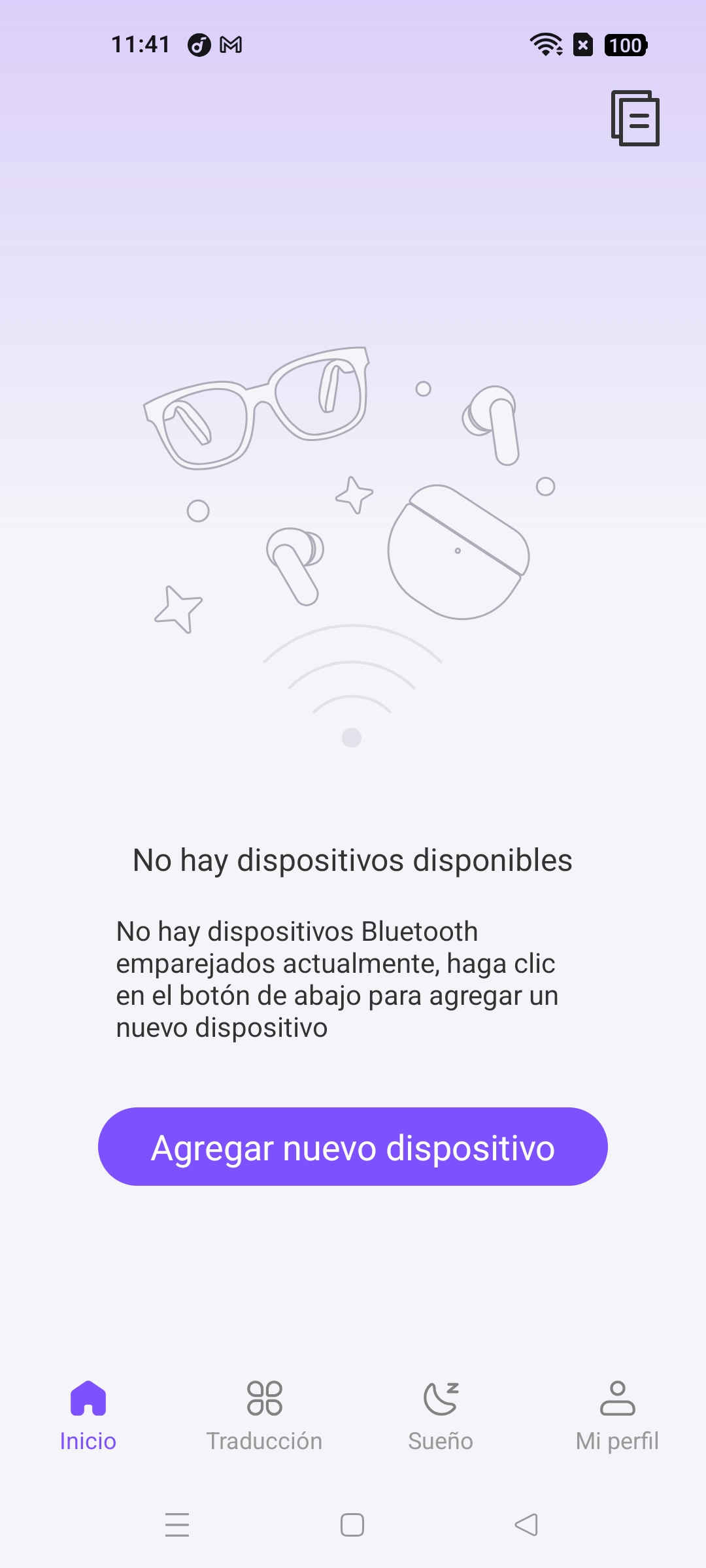
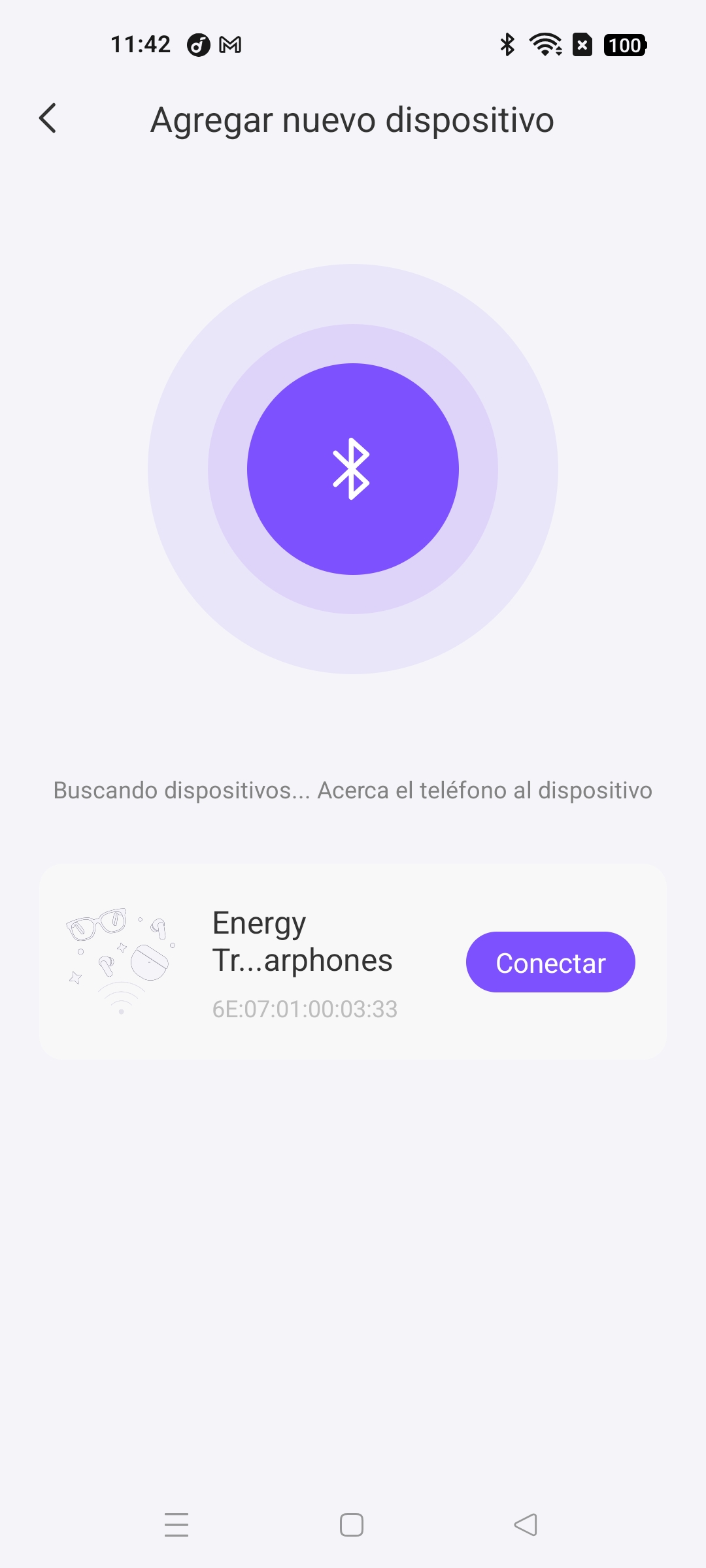
To pair OpenVoice, tap the "Add new device" button on the home screen. OpenVoice will appear in the list of nearby devices; tap "Connect".
- Once connected, you will be able to see the main menu, where you can manage various features of your OpenVoice.
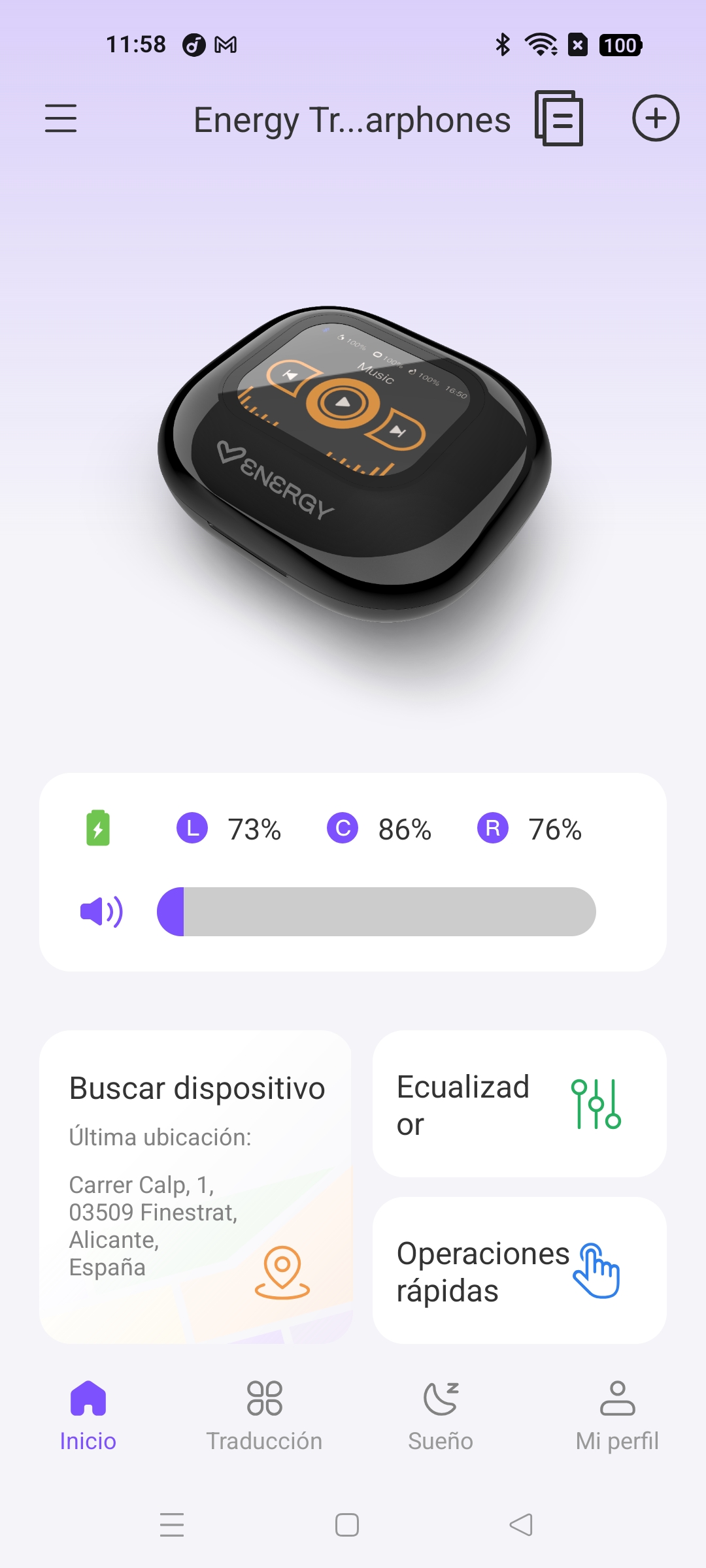
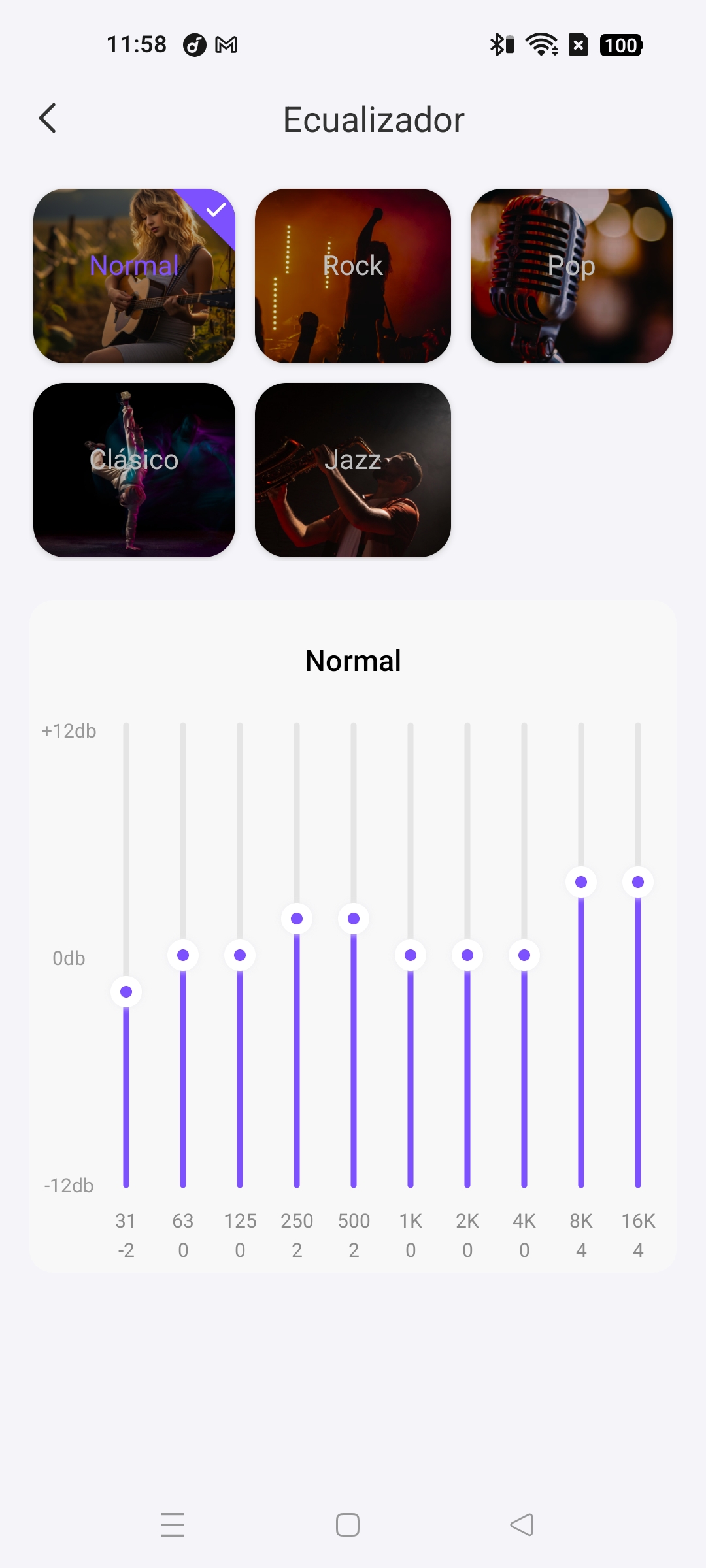
Equalizer: Select from the various presets we offer in the app to adjust the sound of your headphones to your liking.
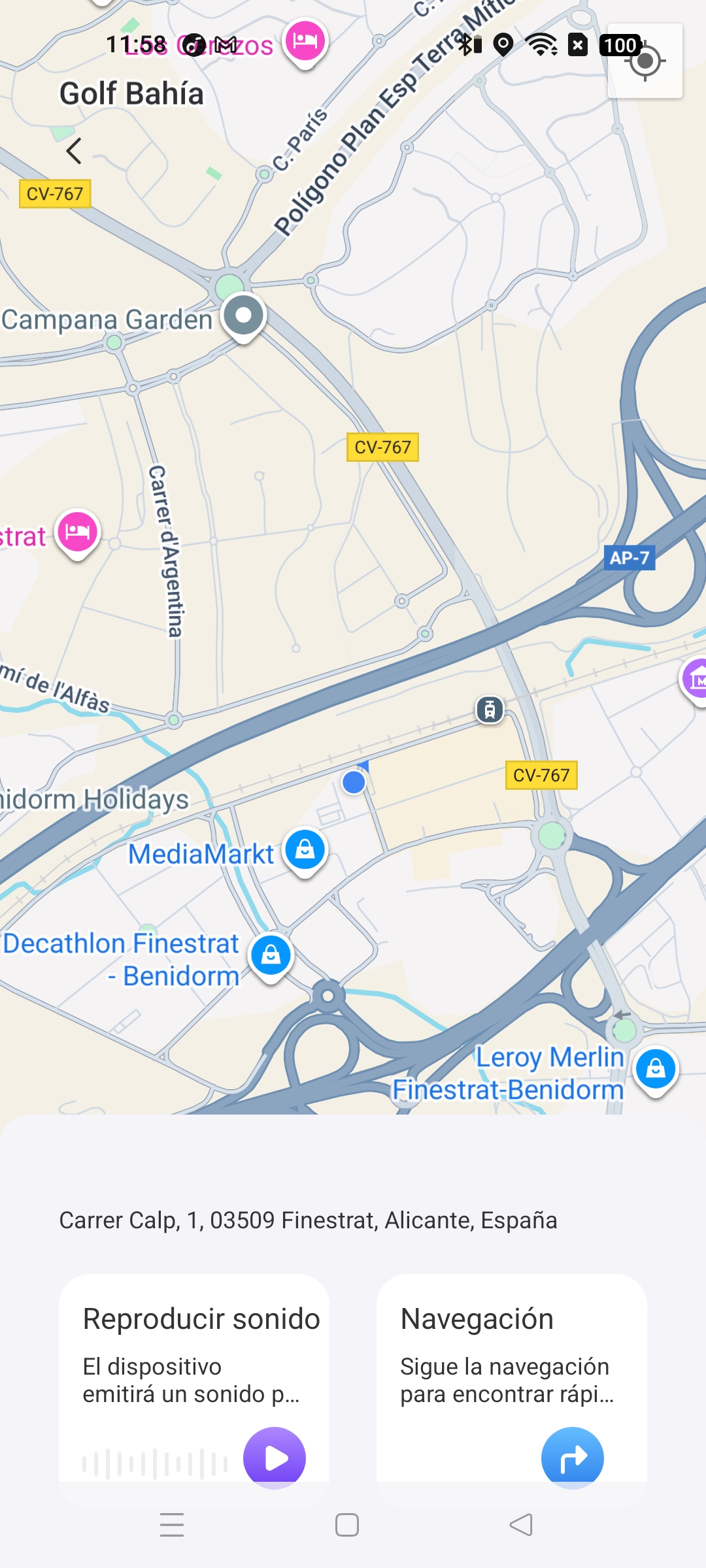
Find Device: Allows you to see the last location where your headphones were connected to your smartphone and allows you to play a sound through the headphones at maximum volume (if they are connected via Bluetooth) so you can find them in quiet environments.
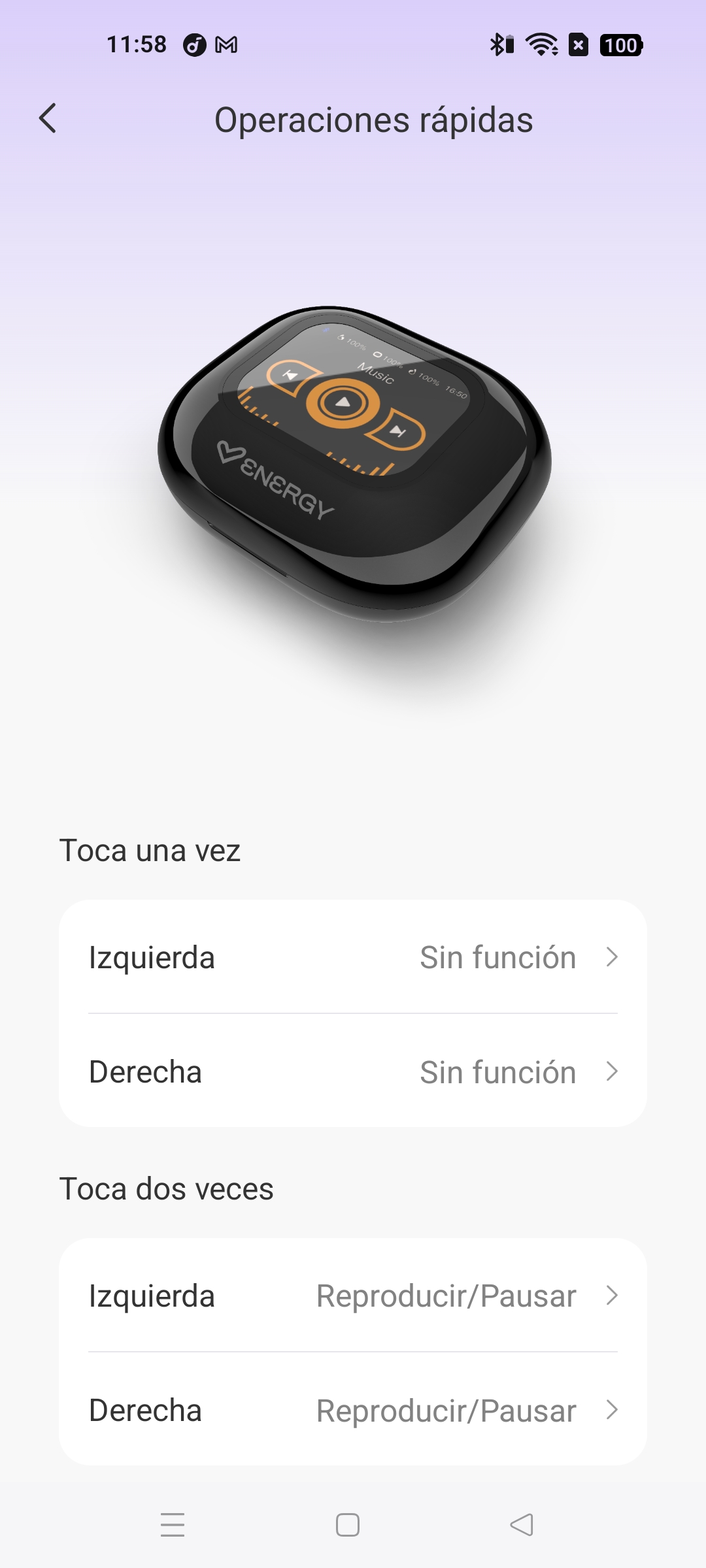
Quick operations: Customize headphone controls to your liking
- In the Translation section you can access the different translation modes that the app allows.
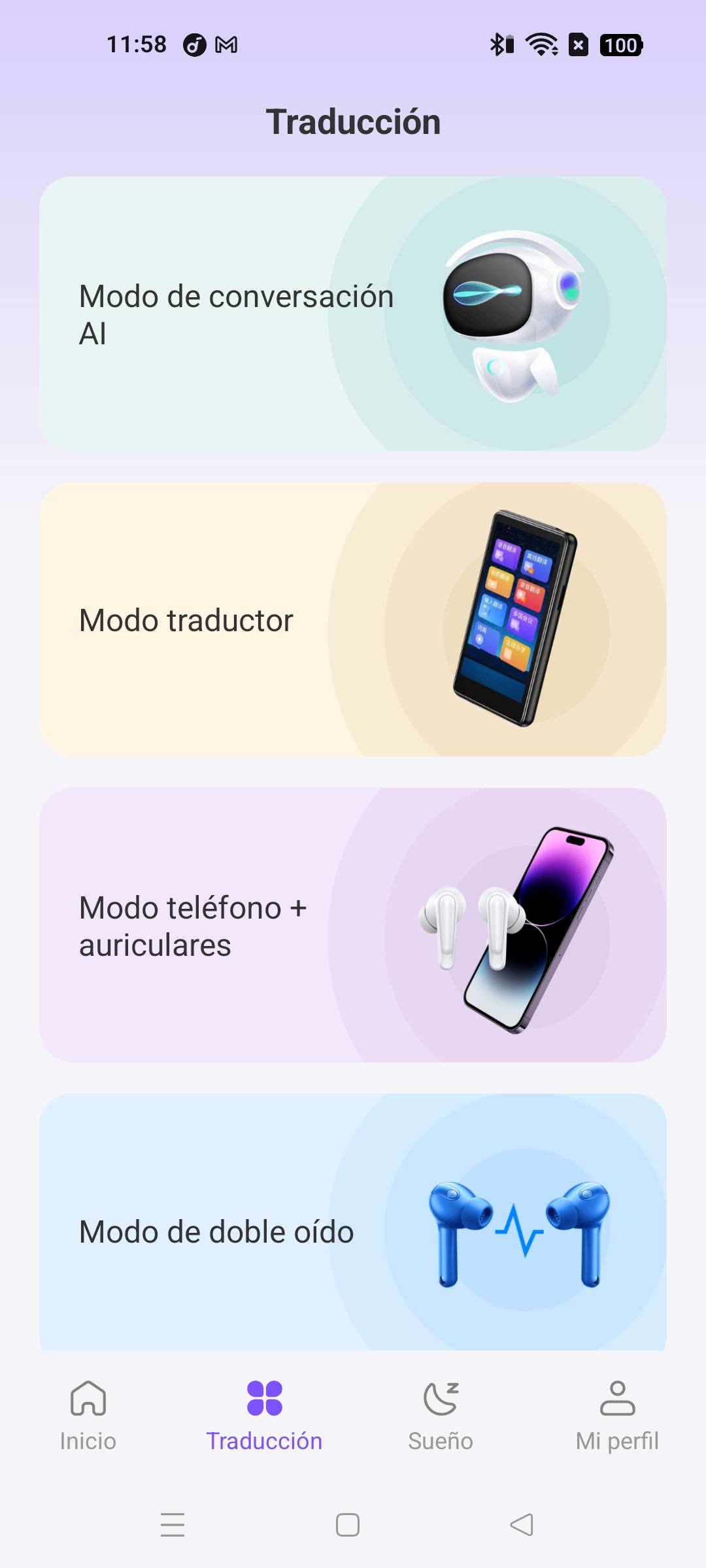
App Conversation Mode: AI Assistant
Translator Mode: By selecting the conversation languages and using only your phone, you can translate a conversation.
Phone + Headphone Mode: By selecting the conversation languages and having one user use the phone and another use headphones, you can translate a conversation.
Dual Ear Mode: By selecting the conversation languages and having each user use one pair of headphones, you can translate a conversation.
Voice Notes: Recorder + Translator
Free Talk Mode: By selecting the conversation languages and having each user use one pair of headphones, you can translate a conversation without having to stop and indicate who is speaking.
Audio and Video Translation Mode: Real-time translations of video or audio calls are performed.
Photo Translation: Translates the text in the photos you take.
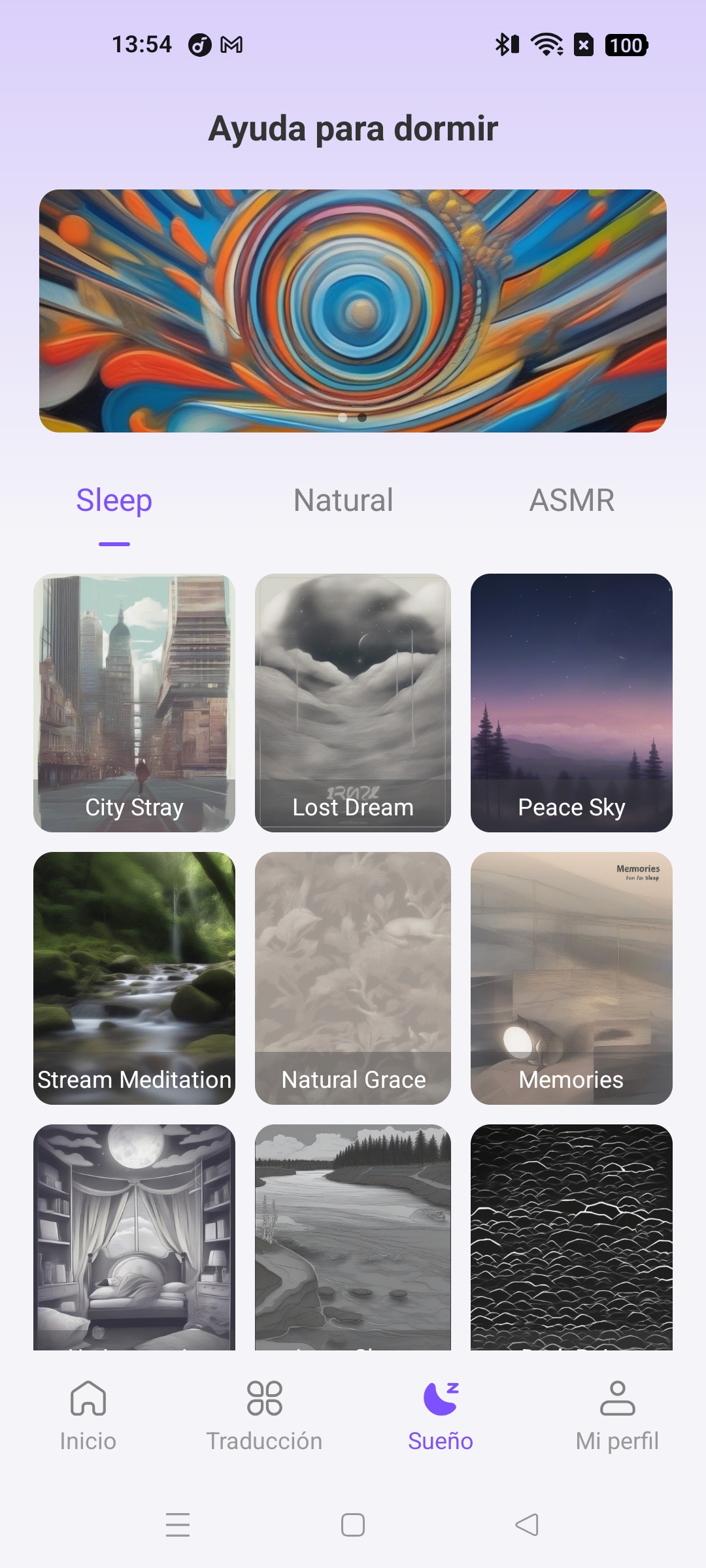
- In the Sleep section, you can find different sounds that help you relax and fall asleep.
Frequently Asked Questions (FAQ)
-
My earphones are connected via Bluetooth but I can't connect them with the EarJoy app. How do I do it?
On some phone models, you need to pair the device directly through the app. If you paired the earphones through Settings > Bluetooth, remove the OpenVoice headphones from the list of paired items and complete the pairing process through the EarJoy app. - How do I reset the earbuds? Disconnect the earbuds from any Bluetooth sound source, place them in your ears, and press the touch control on both earbuds simultaneously 10 times quickly. You'll hear a "beep" sound, and they'll automatically turn off. Insert them into the charging case and take them out again to reconnect via Bluetooth.
Technical Specifications
AUDIO
- Frequency response: 20 Hz ~ 20 kHz
- Driver diameter: 17 mm
- Design: Open ear
- Type: Dynamic
- Impedance: 16 Ohm
CONNECTIVITY
- Bluetooth version 5.4, class II
- Operating frequency: 2.4 GHz
- Maximum signal strength: < 20.00 dBm
- Supported Bluetooth profiles: HSP / HFP / A2DP / AVRCP
- Supported Bluetooth codecs: SBC / AAC
- Up to 20 meters range
- Hands-free function
- Compatible with Google/Siri voice assistant
HANDS-FREE MICROPHONE
- Type: Built-in
- Sensitivity: -38 dB ± 3 dB (@ 1 kHz)
- Frequency range: 100 Hz ~ 10 kHz
EARPHONE BATTERY
- Capacity: 35 mAh / 3.7 V
- Type: Lithium Polymer
- Battery life at medium volume: 5 hours*
- Charging time: 1 hour
CHARGING CASE BATTERY
- Capacity: 500 mAh / 3.7 V
- Type: Lithium Polymer
- Extra battery life: 25 hours*
- Charging time: 2 hours
- Charging system: USB Type-C
DISPLAY
- TFT Technology
- 2,01" screen size
OTHERS
- IPX5
- Compatibility with the Earjoy app
*This figure is approximate. Battery life depends on the volume selected and the type of music played.
Safety and Maintenance
- Do not expose the device to impact, dust, moisture, or high temperatures.
- Do not apply corrosive or abrasive cleaning products to the device.
- Do not disassemble the device. Any repairs should be performed only by qualified personnel from Energy Sistem Technology, S.A.
- Make sure to keep the device off when not in use and do not leave it for long periods of time with the battery fully discharged.
- Keep the device and its packaging out of the reach of children and pets to avoid possible accidents.
- Do not use the device while driving a vehicle.
Hearing Loss Prevention
Listening to music at high volume for long periods of time can cause permanent hearing damage. To prevent hearing damage, we recommend lowering the volume on your music player before starting music playback and then gradually increasing the volume until you reach a comfortable, moderate listening level.
Warranty
You can check the warranty conditions here.