

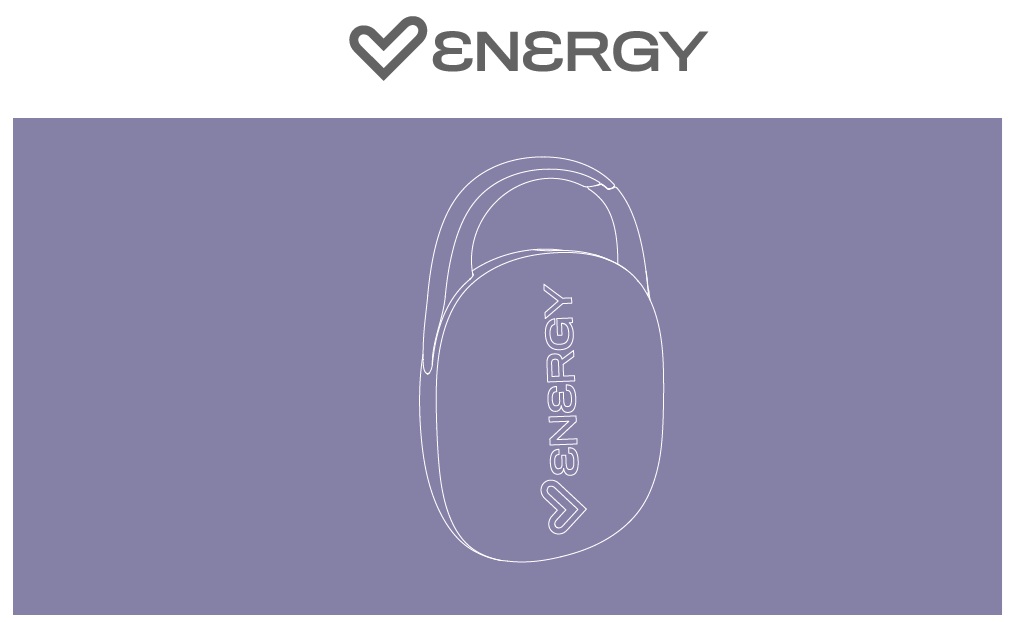
Thank you for trusting us and purchasing your new Energy Clip Speaker. We hope you enjoy it.
Quick start guide
Consult the quick guide by clicking here.
Frequently Asked Questions (FAQ)
-
How can I connect two speakers using True Wireless Stereo?
The True Wireless Stereo feature allows you to connect two Clip Speaker speakers to your smartphone and play music simultaneously. To do this, turn on both speakers—without connecting them to any other device via Bluetooth—and press and hold the play button (triangle) on one of them. You'll hear a sound indicating that both speakers have synced with each other. Then connect your smartphone via Bluetooth, and both speakers will play in unison. -
How can I link two or more speakers with the Multispeaker feature to sound in unison?
Connect via Bluetooth the first speaker to your Smartphone. Then turn on the second speaker and keep press during 2 seconds the Play button (triangle). -
How can I jump from folder to folder of the USB memory content?
When you are listening to music from the external microSD card memory you can skip folders by pressing and holding the Play button (triangle). -
Does it have an auto power off function?
Yes, your Energy Clip Speaker has an auto-off function. If you do not synchronize it via Bluetooth with any device, it will turn off after 5 minutes. - Which charger do I use to charge the battery? You can use any 5V 2A.
Tech Specs
Audio
- 1.0 stereo sound system
- Power: 9 W
- 1 x full range 40 mm
- Frequency response: 70 Hz ~ 18 kHz
Wireless connectivity
- Bluetooth version 5.4, class II
- Working frequency: 2.4 GHz
- Maximum signal strength: < 20 dBm
- Supported profiles: A2DP / AVRCP / HFP
- Codecs supported: SBC
- Up to 20 meters range
MicroSD
- MicroSD external memory player up to 128 GB capacity
- Supported formats: MP3 / WAV / FLAC / WMA
- Supported file system: FAT32 / exFAT
- Folder pass-through function
FM Radio
- Internal antenna
- Frequency range: 87.5 ~ 108 MHz
- Auto search function
Power supply
- AC/DC power supply: DC 5V,2A
- Connector to device: USB Type C
Battery
- Capacity: 1800 mAh / 3,7 V
- Type: lithium-ion
- Autonomy at medium volume: 18 hours
- Charging time: 2 hours
- Charging system: USB type C
Note: *Battery life varies according to the volume level selected and the type of music played.
Weight and measurements
- 235 g
- 135 85 40 mm
Safety and maintenance
- Do not expose the device to shock, dust, moisture or high temperatures.
- Do not apply corrosive or abrasive cleaning agents to the device.
- Do not disassemble the device. Any repair must be carried out exclusively by qualified Energy Sistem Technology, S.A. personnel.
- Be sure to keep the device switched off when not in use and do not leave it for a long period of time with the battery completely discharged.
- Keep the device and its packaging out of the reach of children and pets to avoid possible accidents.
- Do not use the device while driving a vehicle.
Prevention of hearing loss
Listening to music at high volume levels for long periods of time can cause permanent hearing damage. To avoid hearing damage, we recommend turning down the volume of the player before starting music playback and then gradually increasing the volume to a comfortable, moderate listening level.
Warranty
You can check the warranty conditions here.