

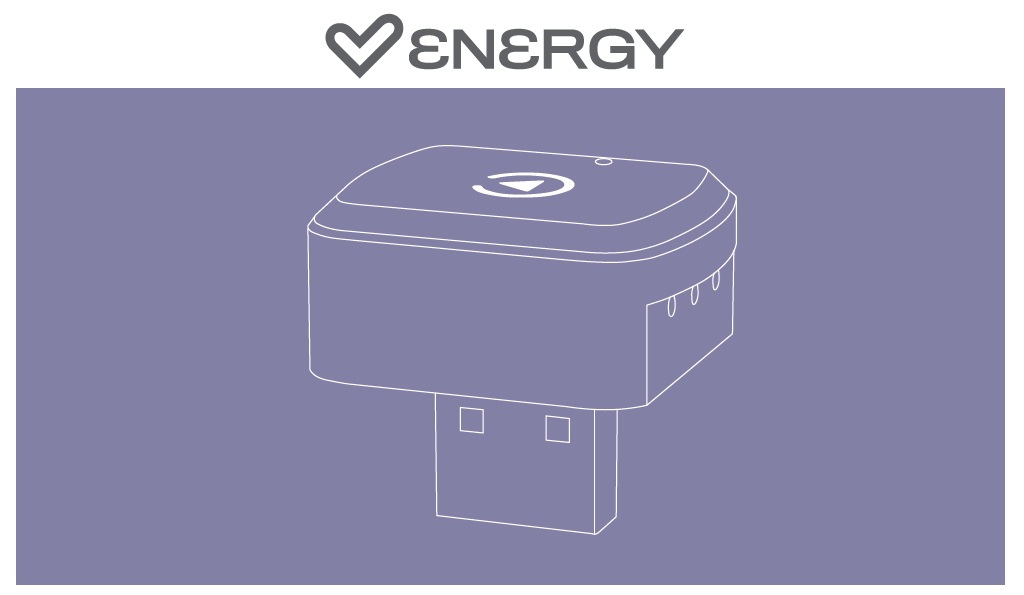
Thank you for trusting us and purchasing your new Dual Car Connect. This product converts your car's multimedia system's CarPlay/Android Auto system to wireless. We hope you enjoy it.
Quick start guide
Consult the quick guide by clicking here.
Connection steps
1) Verify that the Carplay app (compatible with iOS 12 or later) or Android Auto app (compatible with Android 10 or later) is pre-installed on your smartphone.
2) Activate the WiFi and Bluetooth connection on your smartphone.
3) Connect your car's multimedia system and connect your Dual Car Connect to the car's USB data port (USB port for playing music).
4) Pair your smartphone with the Dual Car Connect via Bluetooth. It will appear under the name 'smartBox'. Select pair and allow.
5) After connecting, wait a few seconds and the Android Auto or CarPlay interface will start on your car's multimedia screen.
Frequently asked questions (FAQs)
-
Is this device compatible with my car?
This device is only compatible with vehicles that originally have wired Carplay/Android Auto systems. To check if your car is compatible with this system, use your smartphone's original data cable and connect it to the car's USB port. If the Carplay or Android Auto icon or a related message appears on the car's multimedia screen, it means that your car is compatible and this device will work. - Minimum smartphone requirements: iPhone: iOS 10 or later Android: Android 11 or later
Safety and maintenance
- Do not expose the device to shock, dust, moisture or high temperatures.
- Do not apply corrosive or abrasive cleaning agents to the device.
- Do not disassemble the device. Any repair must be carried out exclusively by qualified Energy Sistem Technology, S.A. personnel.
- Be sure to keep the device switched off when not in use and do not leave it for a long period of time with the battery completely discharged.
- Keep the device and its packaging out of the reach of children and pets to avoid possible accidents.
- Do not use the device while driving a vehicle.
Warranty
You can check the warranty conditions here.