

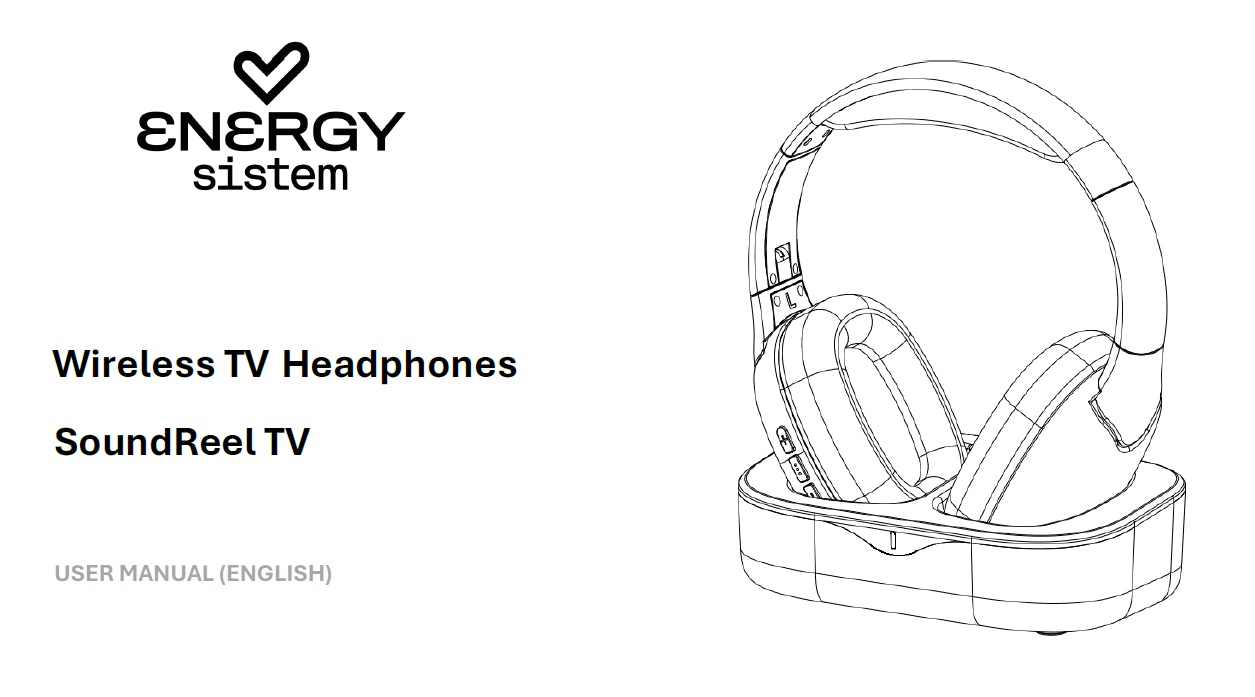
Thank you for trusting us and purchasing your new headphones. We hope you enjoy it.
Quick start guide
Consult the complete user manual by clicking here.
Frequently Asked Questions
Once the charging base is connected to the TV via Optical or mini-jack (Aux), will the headphones connect automatically when you remove them from the base?
Yes. To ensure the headphones work properly, make sure that:
The mode selector on the base is set to the correct option, Optical or Aux.
If using optical mode, the TV's sound settings must be set to “Optical,” and in the TV's advanced sound settings, the format must be set to PCM (do not enable Dolby or Surround mode).
What should I do if the headphones disconnect from the charging base?
1) Turn off the headphones.
2) Turn the base over and press and hold the bottom button for 3 seconds until the front LED flashes blue.
3) Turn the headphones back on, and they will automatically connect to the base. The front blue LED on the base will remain steady.
Technical Specs
- Communication frequency: 2.4 GHz
- Maximum distance: up to 30 meters
- Earpiece frequency response: 20 Hz ~ 20 kHz
- Transducer diameter: 40 mm
- Charging time: 3 - 4 hours
- Battery life at medium volume: 18 hours
- Internal battery: 400 mAh
- Charging connector: USB Type-C
- Digital audio input: optical digital SPDIF
- Analog audio input: 3.5mm stereo minijack
Safety and maintenance
- Do not expose the device to shock, dust, moisture or high temperatures.
- Do not apply corrosive or abrasive cleaning agents to the device.
- Do not disassemble the device. Any repair must be carried out exclusively by qualified Energy Sistem Technology, S.A. personnel.
- Be sure to keep the device switched off when not in use and do not leave it for a long period of time with the battery completely discharged.
- Keep the device and its packaging out of the reach of children and pets to avoid possible accidents.
- Do not use the device while driving a vehicle.
Prevention of hearing loss
Listening to music at high volume levels for long periods of time can cause permanent hearing damage. To avoid hearing damage, we recommend turning down the volume of the player before starting music playback and then gradually increasing the volume to a comfortable, moderate listening level.
Warranty
You can check the warranty conditions here.